Your Personal Gitignore
You joined a team. They have their workflow, you have yours. Here is how to run yours on the shared repo without touching the shared gitignore.
I just joined a new team. They have their way of working, I have mine. Mine is built on Matt Pocock's skills, and after months with that setup I move fast with it.
I do not want to give it up because I switched jobs. I also do not want to push it on the team. They did not ask for it, and a week-one PR that adds .claude/, CLAUDE.md, and CONTEXT.md to the shared .gitignore is the wrong first move.
I want my workflow to run on this repo without anyone noticing.
TL;DR
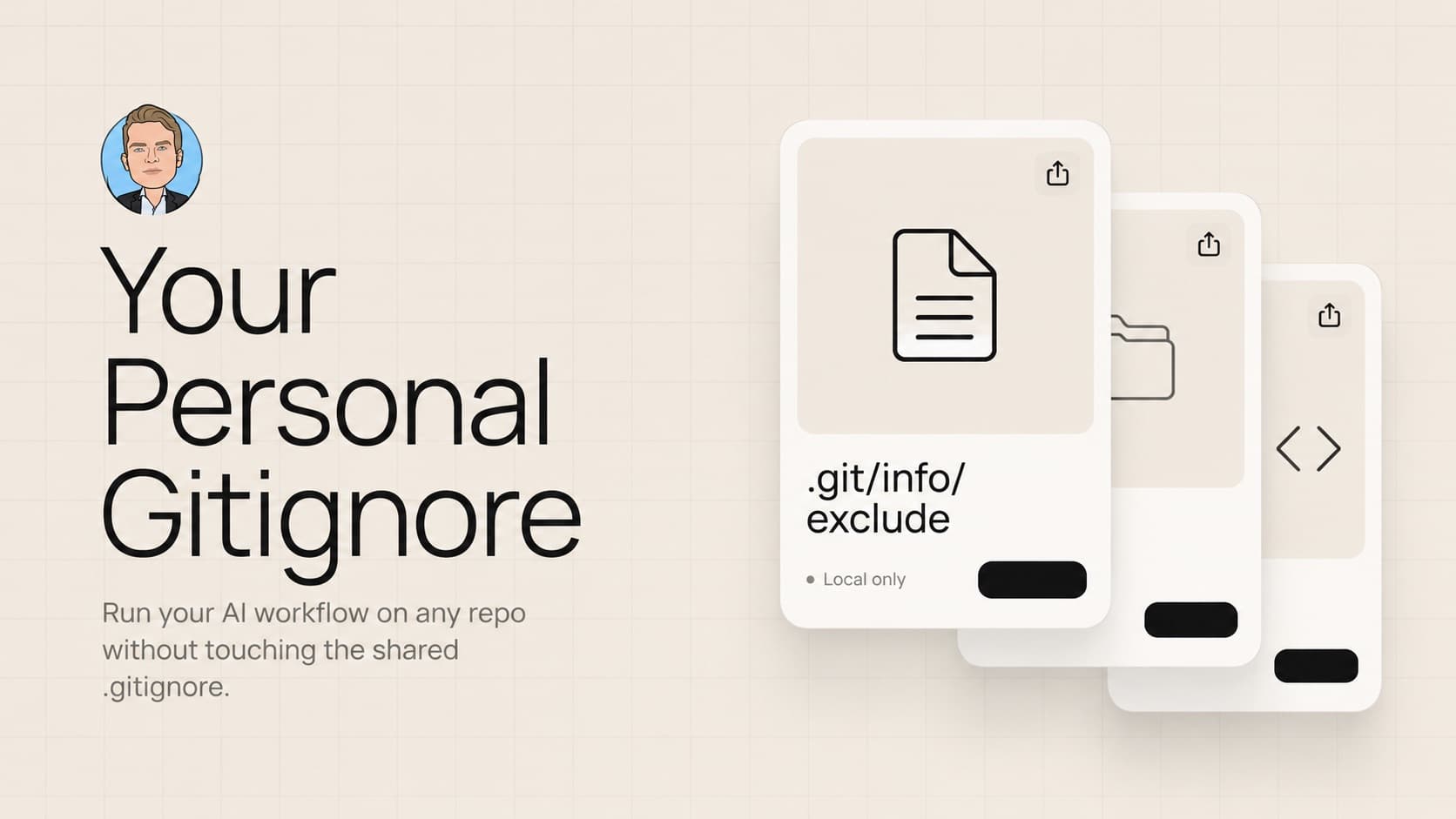
Every git repo ships with a second gitignore that nobody talks about. It lives at .git/info/exclude. It is local to your clone, never committed, never seen by anyone else, and works exactly like .gitignore.
echo ".claude/" >> .git/info/exclude
echo "CLAUDE.md" >> .git/info/exclude
echo "CONTEXT.md" >> .git/info/exclude
That is the whole thing. Matt's skills run in your clone. The team sees a clean working tree.
How it works
Git checks three places before deciding whether a file is ignored.
- The repo's
.gitignore. Committed. Shared with the team. - Your global
~/.gitignore. Local to your machine. Applies to every repo you touch. .git/info/exclude. Local to this one clone of this one repo.
The .git/ folder is git's internal state. It never gets committed because git itself manages it. Anything you drop in .git/info/exclude is invisible to everyone else, including a fresh clone of the same repo on a different machine.
The syntax is identical to .gitignore. Same glob patterns, same negation rules, same per-line comments.
# matt pocock skills
.claude/
CLAUDE.md
CONTEXT.md

# scratch space while i work
notes/
scratch/
*.scratch.md
Why this matters for AI tooling
Matt's skills are a good example because the install is opinionated. It writes a .claude/skills/ tree, a CLAUDE.md pointing at it, and a CONTEXT.md for shared domain language. All three are designed to live at the project root so the agent can find them. They will not work from outside the repo.
If I commit them, I am pushing my tool choice on the team. The skills are tuned to how I want Claude to behave, not how my teammates would set it up. The CONTEXT.md is the kind of document a team owns together if they own it at all, not something one person installs unilaterally.
If I add them to the repo's .gitignore, that file starts documenting tools the team does not use. The next teammate who tries Cursor adds .cursor/. The next one tries Codex and adds something else. The shared ignore file turns into a bulletin board of personal preferences that have to be reviewed in PRs.
.git/info/exclude is the right place. The files are mine, the clone is mine, the exclude is mine.
Why not global gitignore
Global ~/.gitignore is the obvious alternative. It works, but it is too broad.
If I put CLAUDE.md in my global gitignore, I cannot ever check one in. On my own projects, I do want CLAUDE.md committed so future-me gets the context back on a fresh clone. Global rules apply to every repo, including the ones I own.
.git/info/exclude gives you the precision. Per-repo, per-clone, per-decision. On a team repo, ignore CLAUDE.md. On a personal project, do not.
Global is still useful for OS junk that nobody anywhere wants in a repo. .DS_Store, Thumbs.db, editor backup files. That is what it is for. AI tooling files are project-specific decisions, so they belong in the per-repo local exclude.
The one gotcha
.git/info/exclude is tied to the clone, not your machine. If you delete the repo and re-clone it, the exclude is gone with it.
Two ways to handle this. Either re-paste the block when you set up a fresh clone, which takes ten seconds, or keep a snippet in your dotfiles or a personal note that you copy in once per clone. I do the second. The block lives in a markdown file in my notes, I paste it in after every clone, done.
Closing
There is a quiet third gitignore inside every repo you have ever cloned. It is built for exactly the situation where you want your tools in the project without pulling your teammates into your choice.
Now that AI tooling is a personal decision more than a team decision, that file deserves to come out of obscurity.
Liked this? Get the next one in your inbox.
One email every other Tuesday. Engineering, product, and what I'm shipping. Unsubscribe anytime.